Dashboard
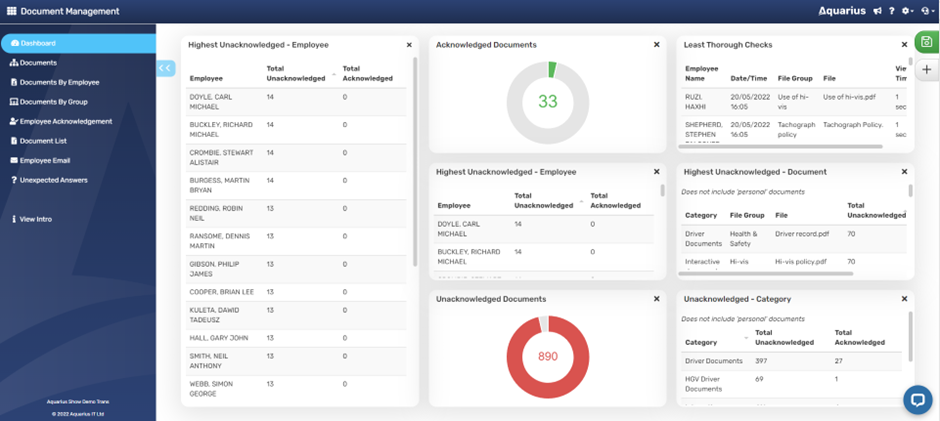
The Document Management dashboard screen will then be displayed.

The dashboard can be tailored to present data in a number of ways as the dashboard can be heavily customised. Click on the pencil icon put Dashboard into Edit mode:
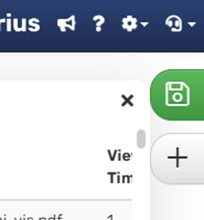
In Edit mode, Dashboard panels can be moved, re-sized, deleted and added. Here is an edited version of the Dashboard:
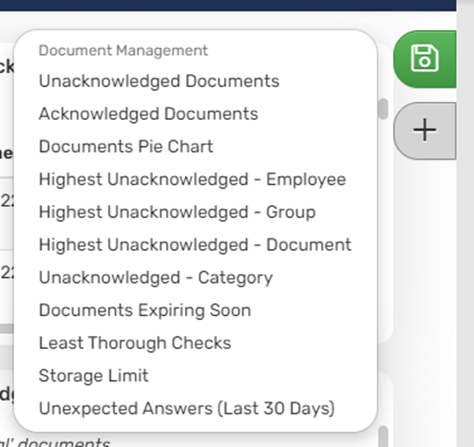
In Edit mode, additional Dashboard panels can be added by clicking the + icon which will enable the user to select from the following list of options: